Breast Reconstruction Options Explorer
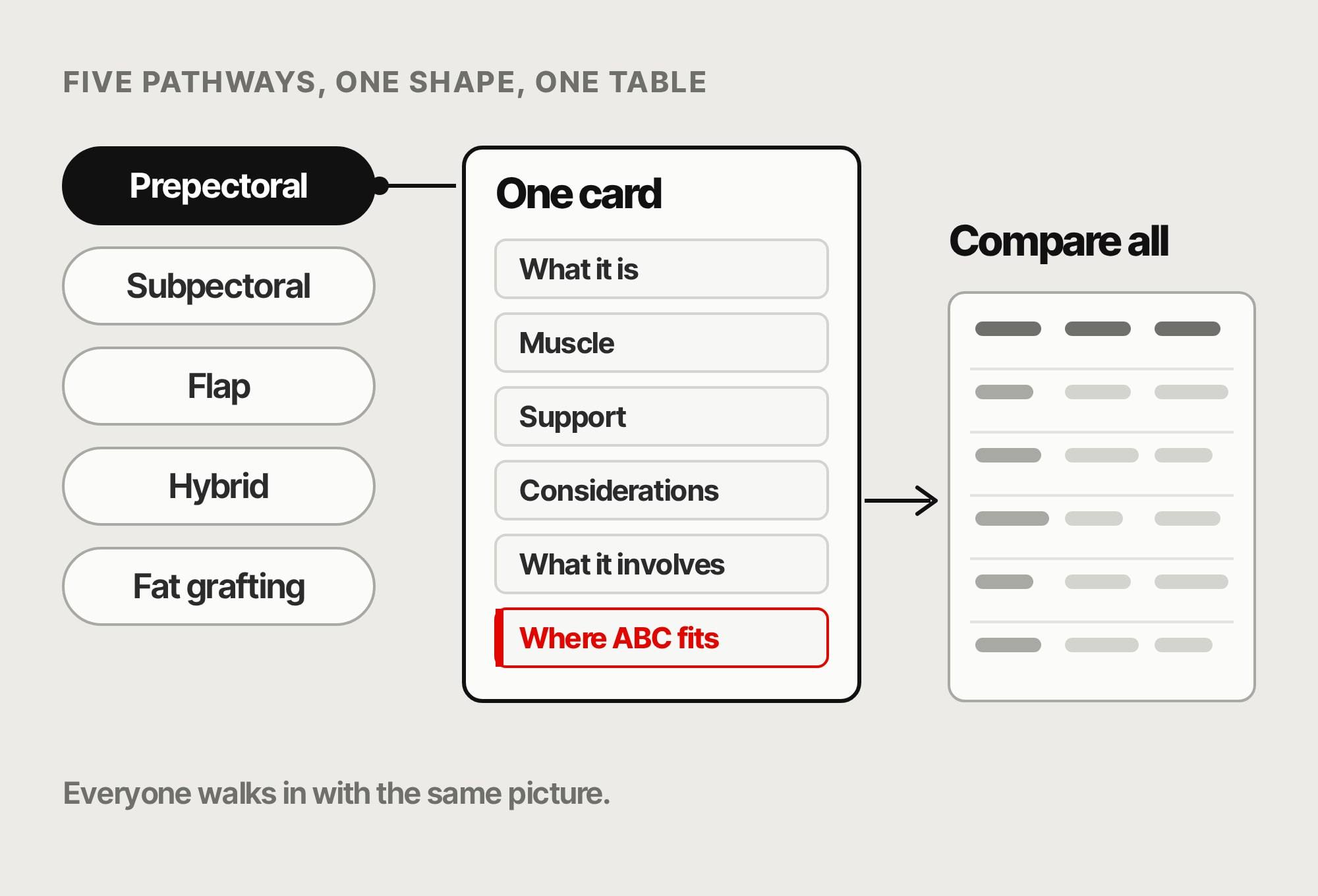
Five pathways, one shape, one table.
Five breast reconstruction pathways, side by side. Click one, understand it, compare them all.
Designed by me, built with a little help from AI, for Advanced Biomedical Concept. 2026.
Problem.
Prepectoral, subpectoral, flap, hybrid, fat grafting. Each one lived in a different article, at a different depth. Comparing them meant reading five pages. One interface should do it.
Craft.
Who it is for.
Patients who want a clear picture before a consultation, and surgeons who want a shared language for the options in the room. Public on the ABC site.
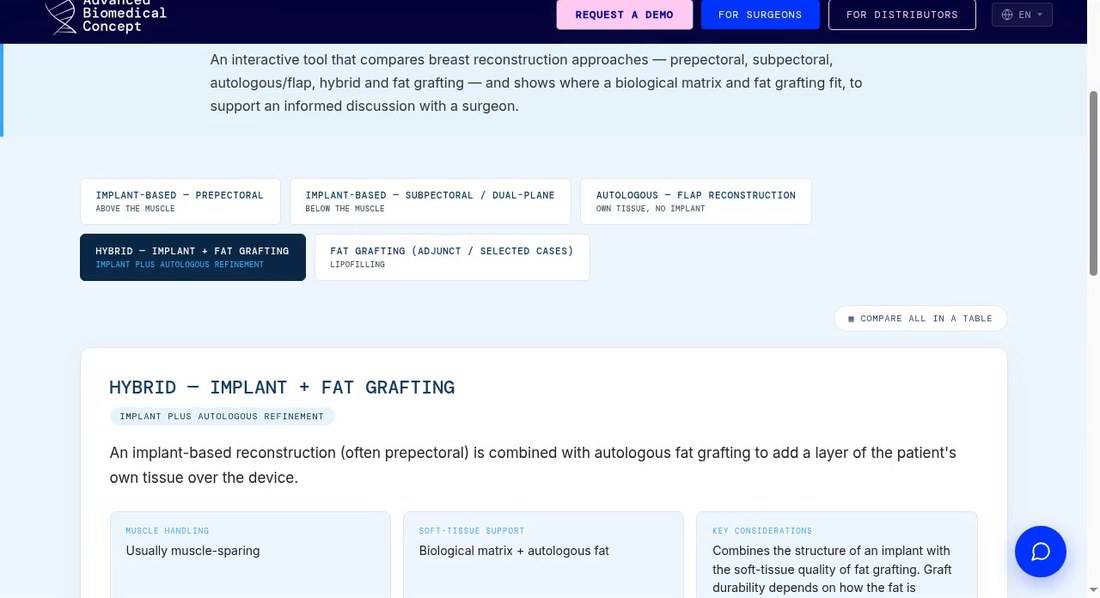
One pathway open. Comparison table one click away. Pick a pathway.
Five approaches as buttons, each with a plain subtitle like Above the muscle. One click opens its card. Nothing to scroll past.
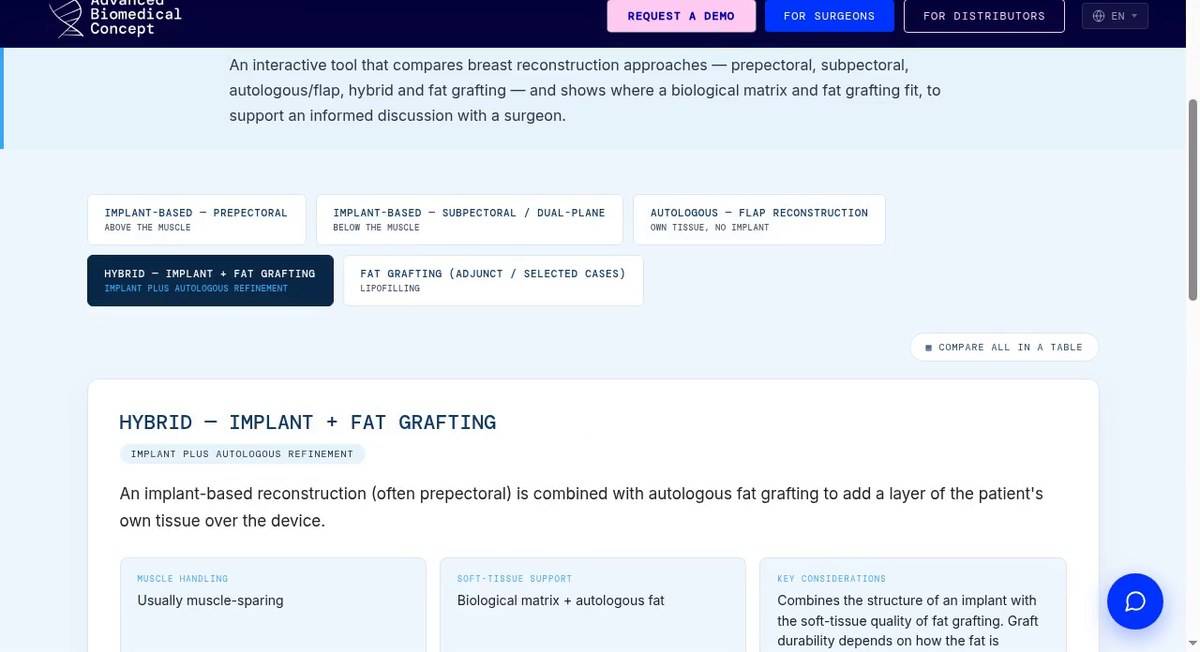
Step 1. Five options, one click each. Read one card.
Same structure every time: what it is, muscle handling, soft-tissue support, key considerations, what it involves and where ABC fits. Links to the deeper guides sit underneath.
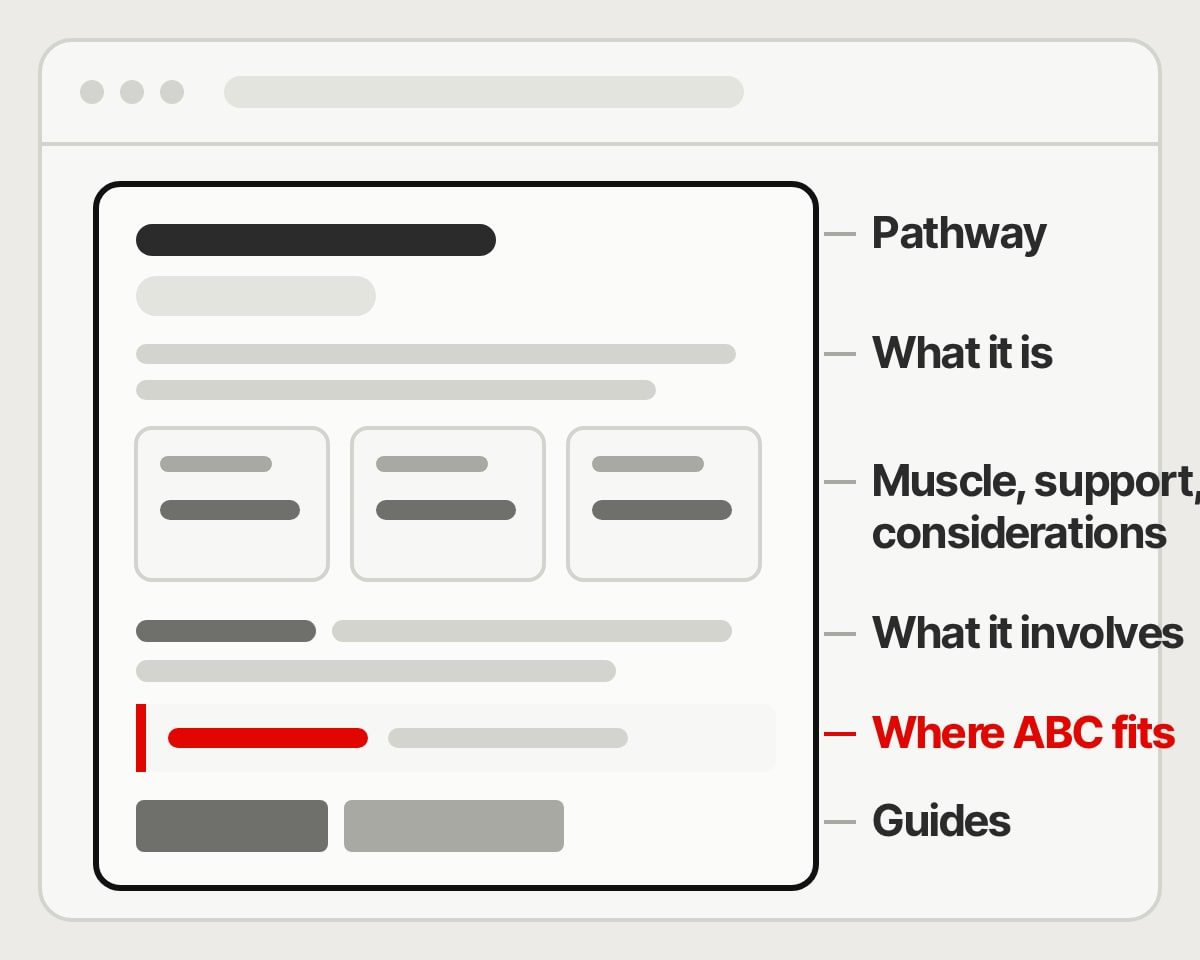
Six answers, same order, every pathway. 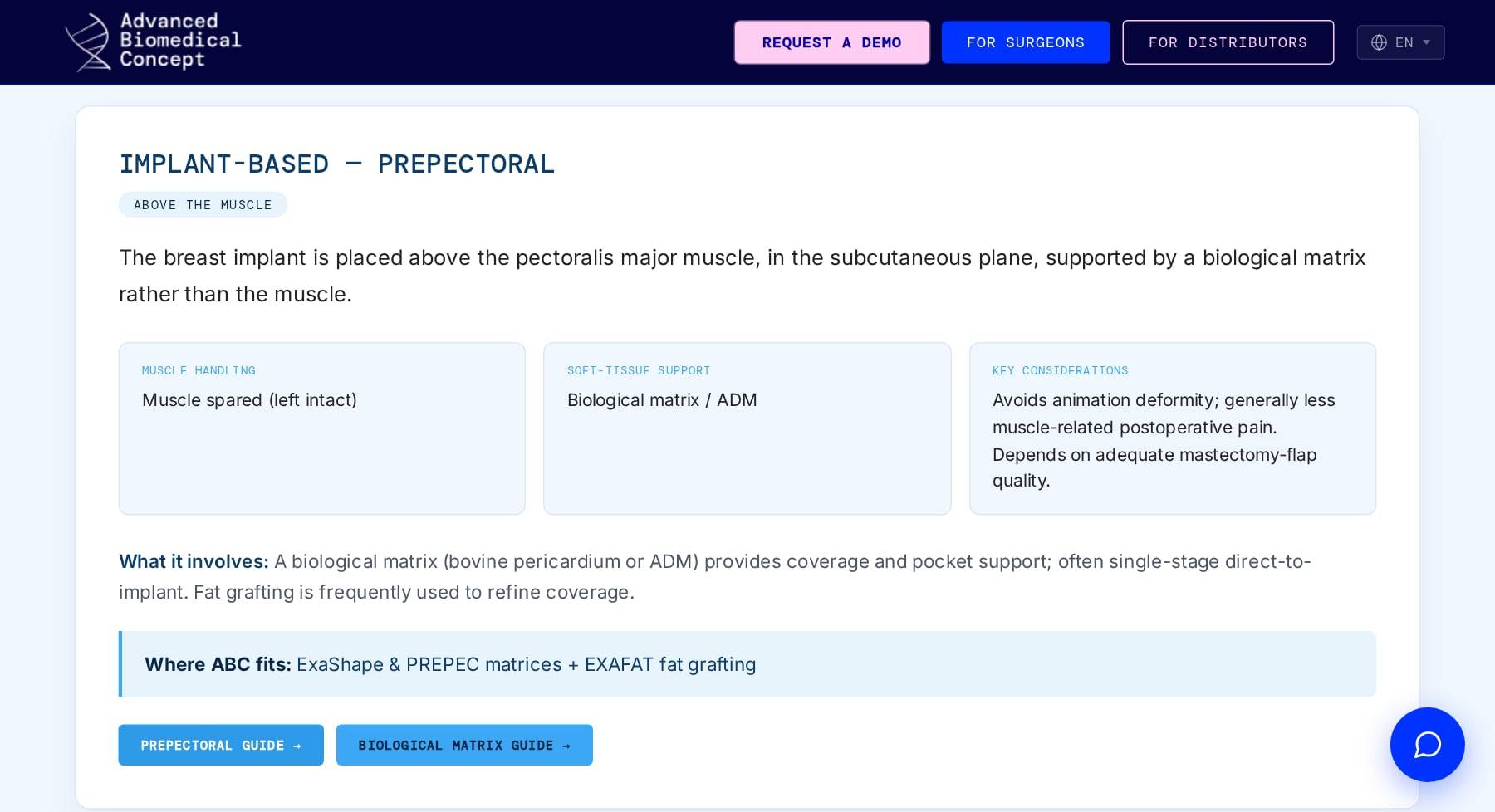
Step 2. One pathway, the same six answers. Compare them all.
One switch turns the cards into a table: every approach in a row, the same questions in the columns. Same type, colours and components as the rest of the site.
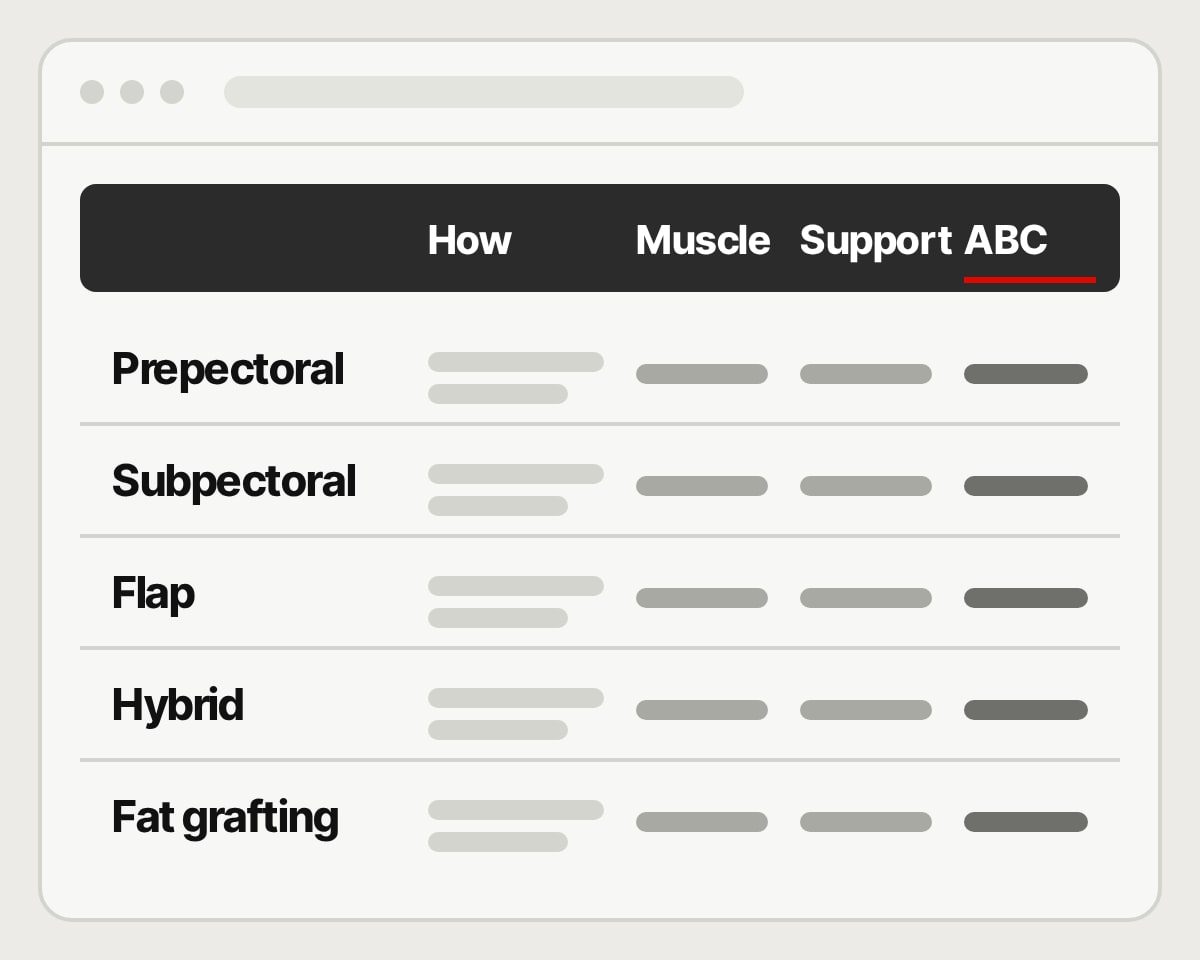
Rows are approaches. Columns are the questions. 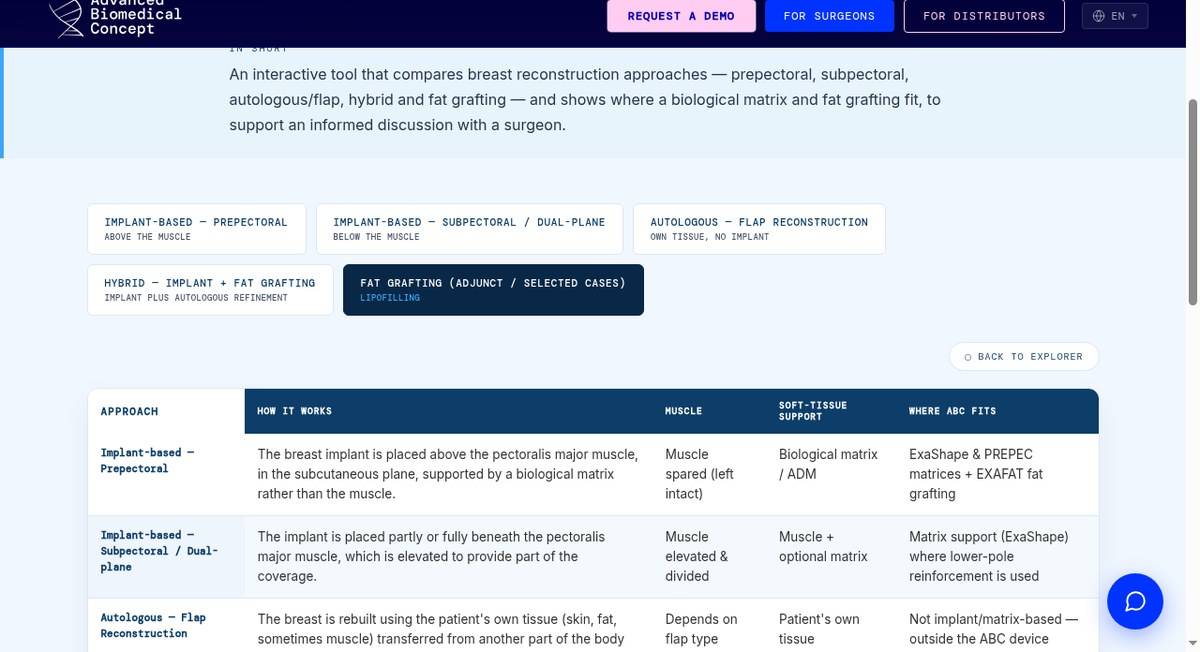
Step 3. Side by side, same questions. What it is, and what it is not.
General education, built to support an informed conversation with a surgeon. Not advice and not a decision tool. The page says so plainly, and the structure keeps every option on equal footing.
Why shipping it matters.
Brand, site and tool from one person. Idea, interface and code without a brief, an agency or a handover. Evidence-led education that feels like the rest of ABC.
Pathway to comparison table.
Outcome.
Live on the ABC site among the interactive tools. The takeaways: five options, one structure, one table. Everyone walks into the conversation with the same picture.